DevOS ADE Open source, MIT

An agentic development environment on your own computer.

Chat, Claude Code in the browser and a sandboxed terminal in one stack that you run on a Mac or a Linux machine and open in a browser. Free and self-hosted.

DevOS ADE is free and open source (MIT). Companion, Mobile and the relay are free to download during the beta; paid plans are planned and not yet available.

What you get

One stack, opened in a browser and installable as an app.

Home

Spend and budgets per key, the services that are running, and updates.

Chat

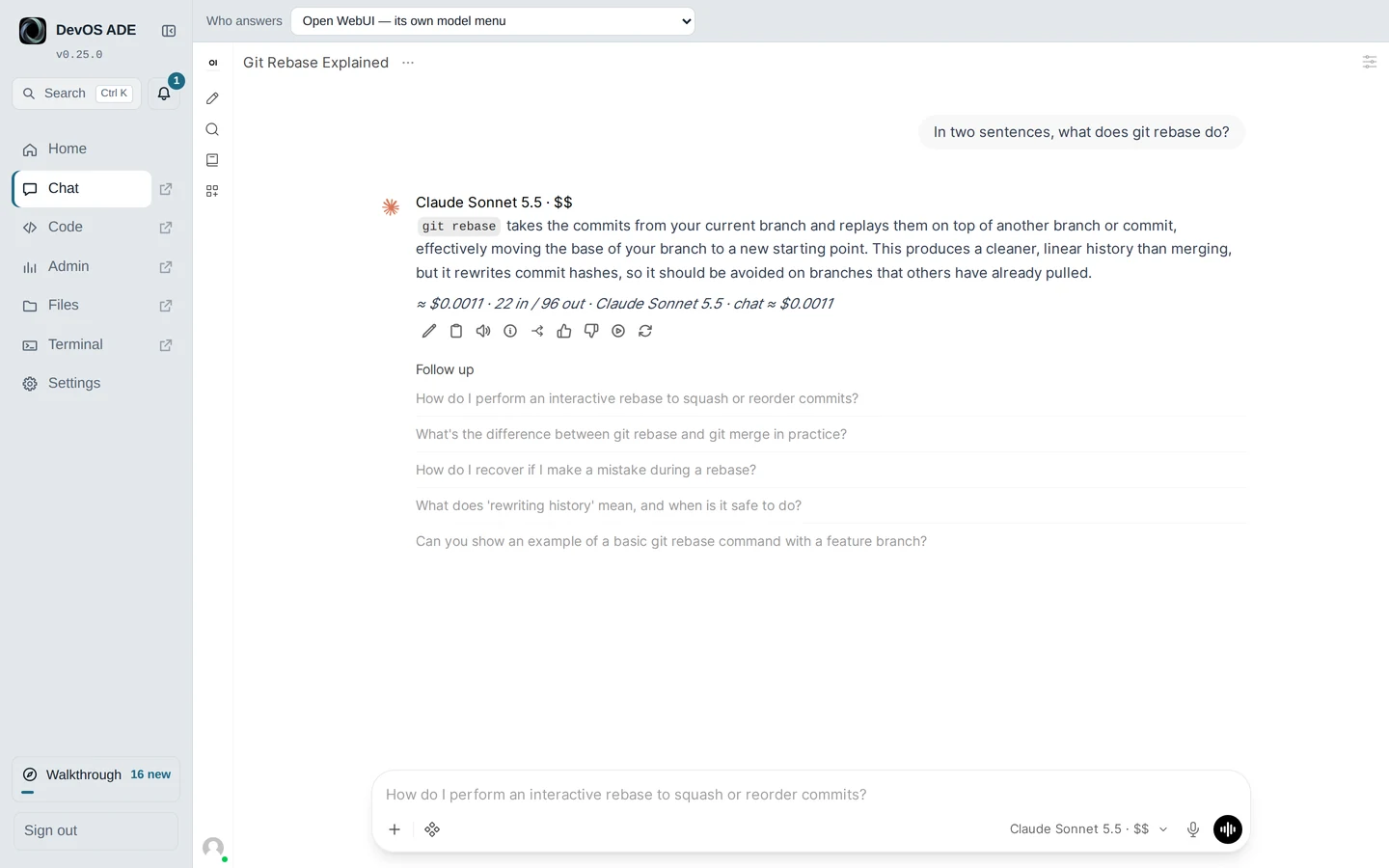
A chat page built on Open WebUI.

The Code page

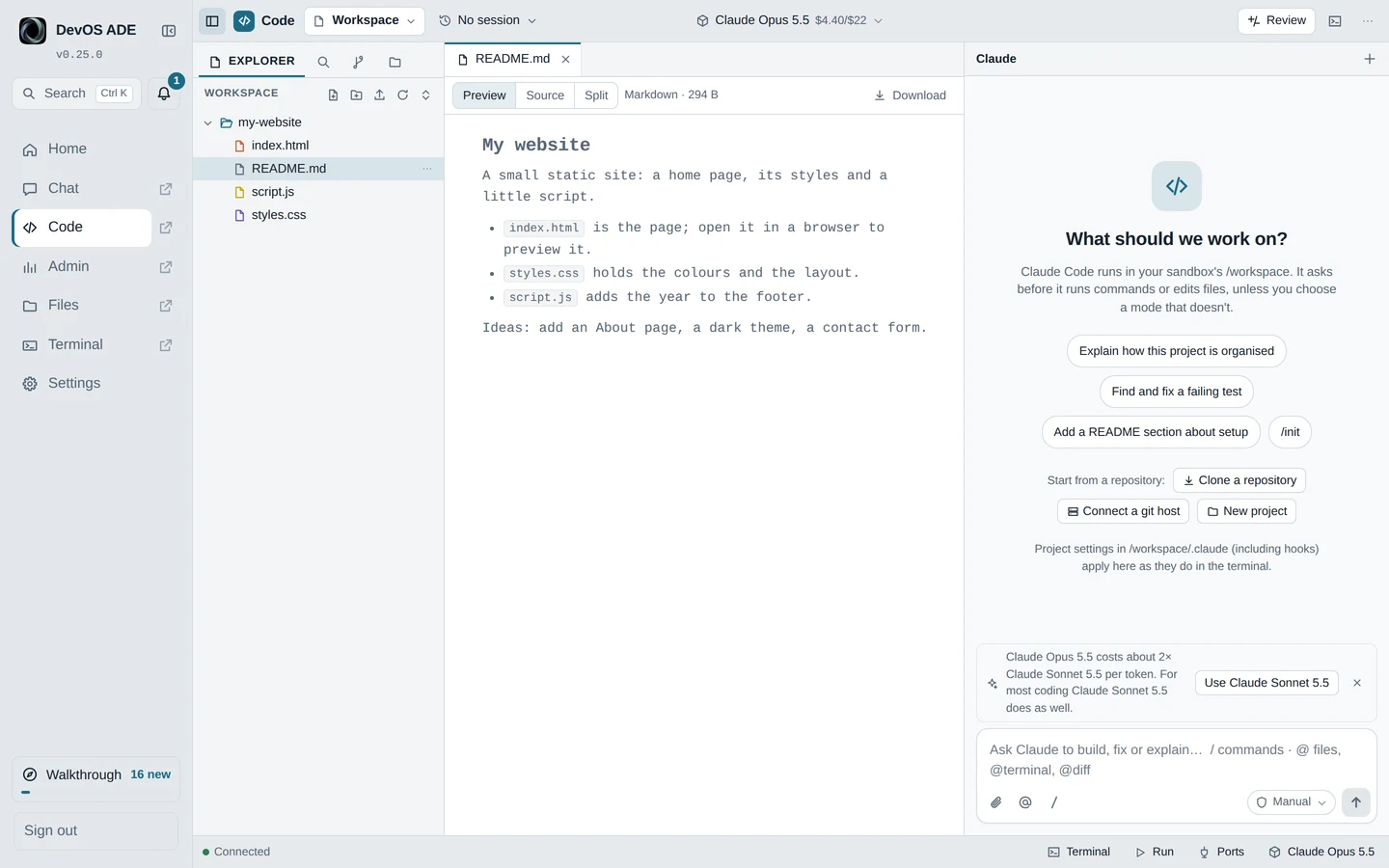
Claude Code in the browser, with files, Git, review, permission cards and modes.

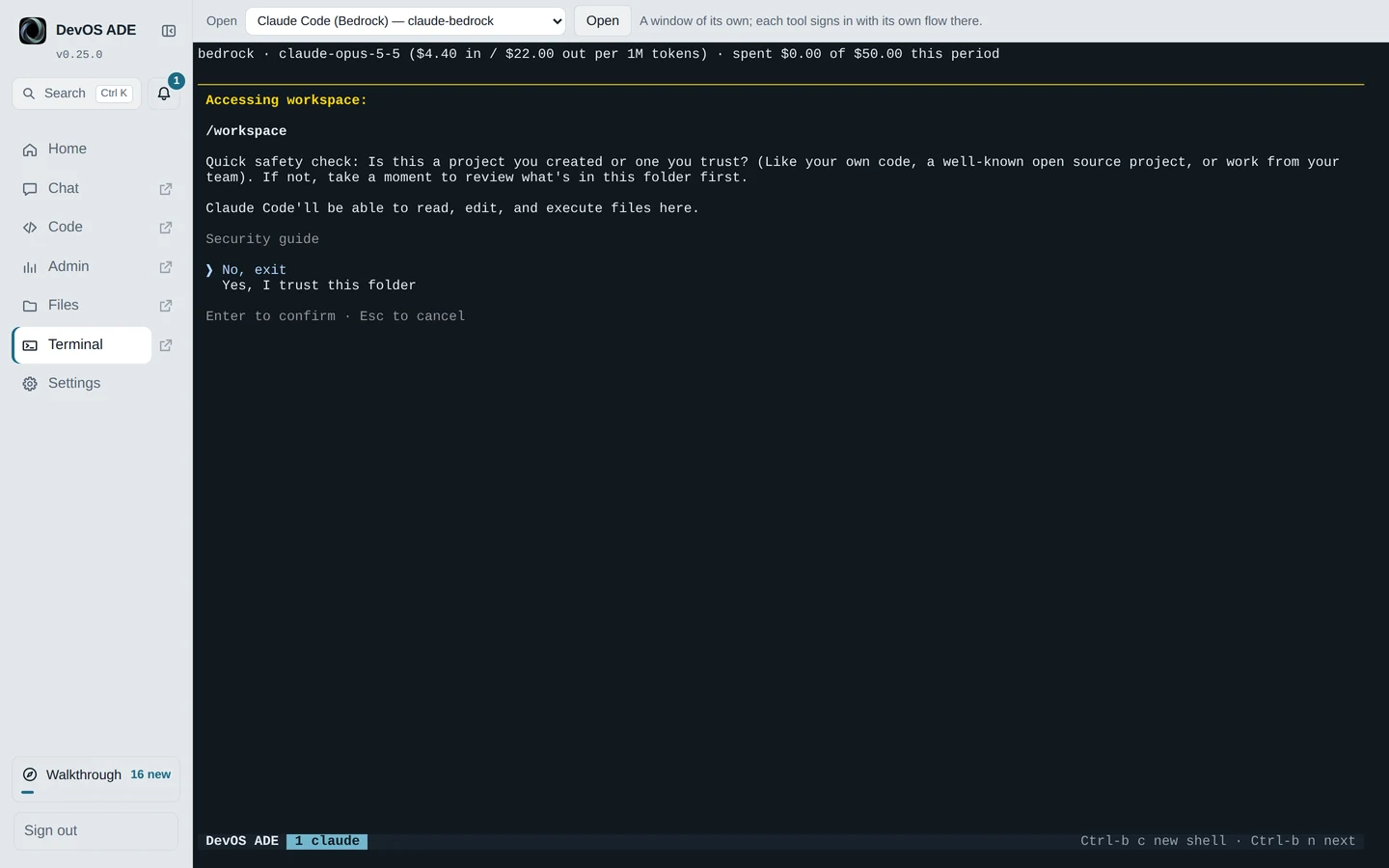
A sandboxed terminal

A terminal that runs inside the sandbox, not on your computer.

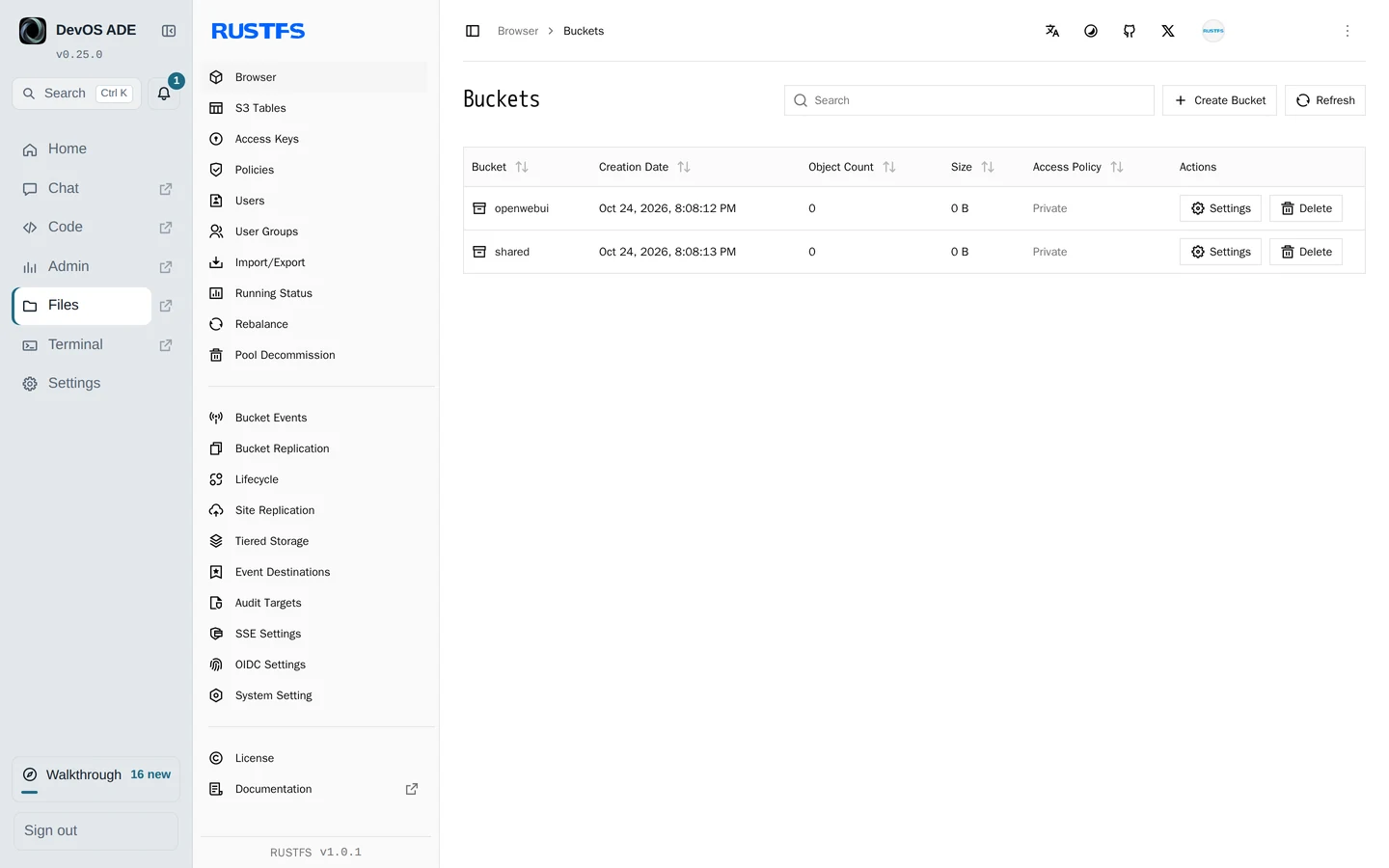
Files

An S3 store shared by Chat and Claude Code.

Admin

The LiteLLM gateway that sits in front of the models.

A guided walkthrough

A first-run tour of the pages above.

Your AI subscriptions

Use the plans you already pay for, each through its provider’s own app and sign-in. In Chat, on the Code page and in the terminal, switch “Who answers”.

  • Claude Code
  • Codex
  • GitHub Copilot
  • Cursor
  • Grok

Claude Code runs on your Claude plan, Codex on your ChatGPT plan. Names identify the tools only; no partnership or endorsement is implied.

Models

  • AWS Bedrock with your own AWS key, with a budget and the cost shown for each key. Free models are never shown as spend.
  • OpenRouter, optionally.

Safety

  • Agents run in a sandbox. Its internet access is filtered by default: public addresses only, through its egress proxy, and never this computer’s own services, your local network or private addresses.
  • Project settings are used only after you trust them.
  • On your own subscriptions, the agents (Codex, Copilot, Cursor, Grok) ask before editing git, hook and tool settings.
  • Chat’s page loads and connects only to itself.
  • Remote access is off by default. It works only through Tailscale or your own domain.

DevOS does not claim these make anything “secure”. They describe the defaults. No independent audit exists.

Requirements

  • Docker with Docker Compose 2.24.4 or later (Docker Desktop on a Mac).
  • macOS, or a Linux machine or virtual machine.
  • An AWS account with Bedrock enabled, for the Bedrock models. Not needed if you only use your own AI subscriptions.
  • Windows is not supported yet.

Install

This is the install the README gives, and the GitHub copy stays the canonical one.

curl -fsSL https://raw.githubusercontent.com/JongoDB-Labs/devos-ade/main/install.sh | bash

Update later from Home’s Update now, or run ./stack update.

Verify first

Piping a script into a shell runs it unread. To check it before it runs:

  1. Download the installer from this site (install.sh for the current release) or from GitHub.
  2. Check its SHA-256 against the release feed: run shasum -a 256 (Linux: sha256sum) on the file and compare it with installer_sha256 in the release feed. The Download page shows the live value. The feed describes the current release; the copy on GitHub’s main branch can be newer.
  3. Read it. It is a short shell script.
  4. Run it: bash install.sh

A matching checksum proves the file is the published one. It does not prove the publisher is trustworthy.

With Companion and Mobile Planned

Today DevOS ADE works on its own, in a browser. The plan is for DevOS Mobile and Companion to control it, through Companion, with a pairing token that ADE issues. ADE owns the API and the interface contract. A draft of the control API is in review.

Not available. You cannot control DevOS ADE from the phone app today, and no date is given.

See the planned list in Capabilities. The full list of planned efforts is on the Product page.

  • Control DevOS ADE from DevOS Mobile, through Companion
  • Team mode: one server for many members, with roles and SSO
  • A native Mac app and a lighter footprint
  • More model gateways
  • Voice: speech-to-text on your own cloud
  • Send feedback from the app
  • Agent teams and orchestration
  • A fuller web client
  • Android
  • Windows and Linux hosts
  • Scheduling

Docs on GitHub

README

What it is, install, update and use.

Security

How the sandbox, network filter and trust prompts work.

Internal names

The docs folder, including what the parts are called inside.

Screenshots

From DevOS ADE v0.25.0, a fresh install with its default budgets and a sample project. Your own names, paths and accounts are not shown.
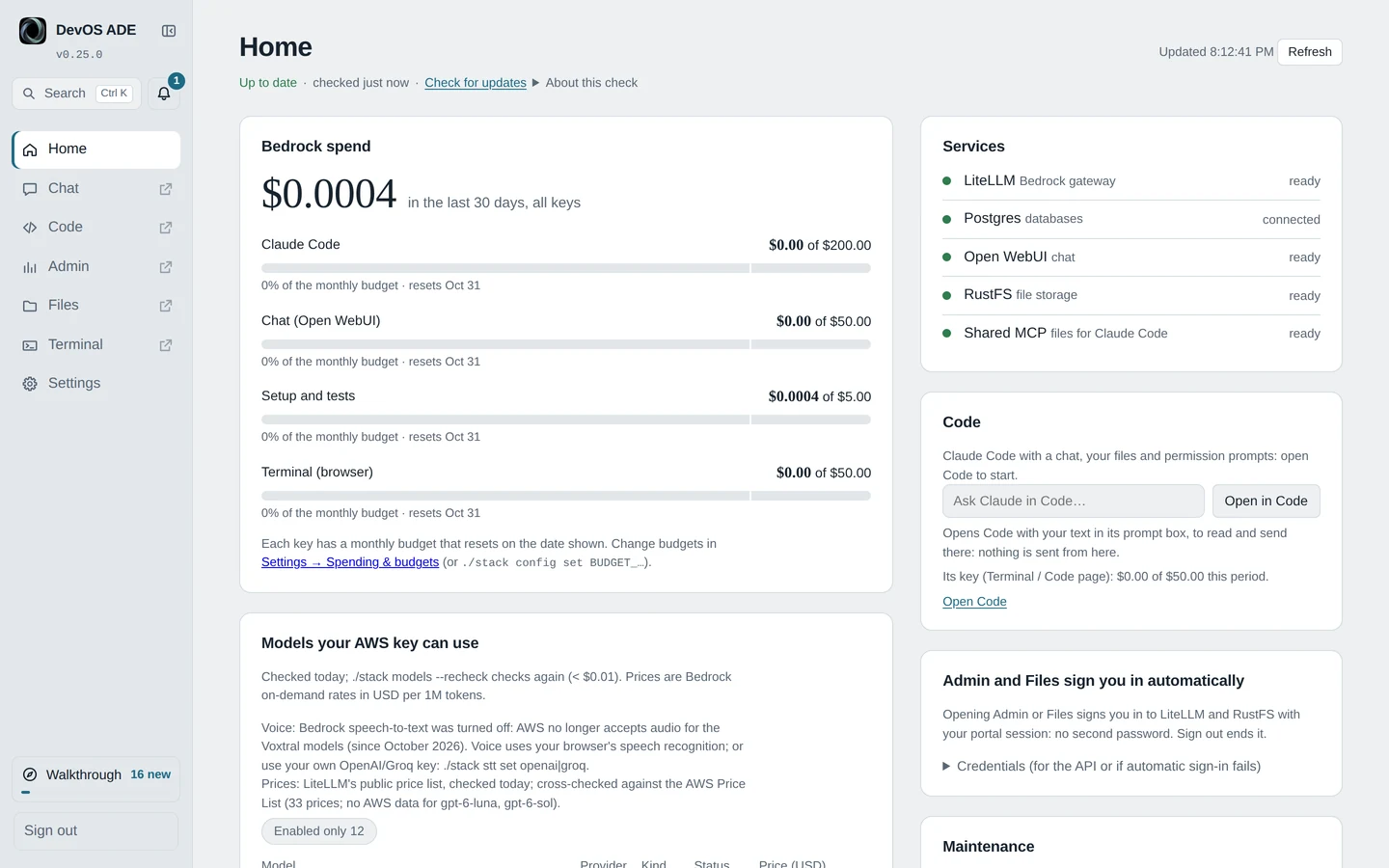
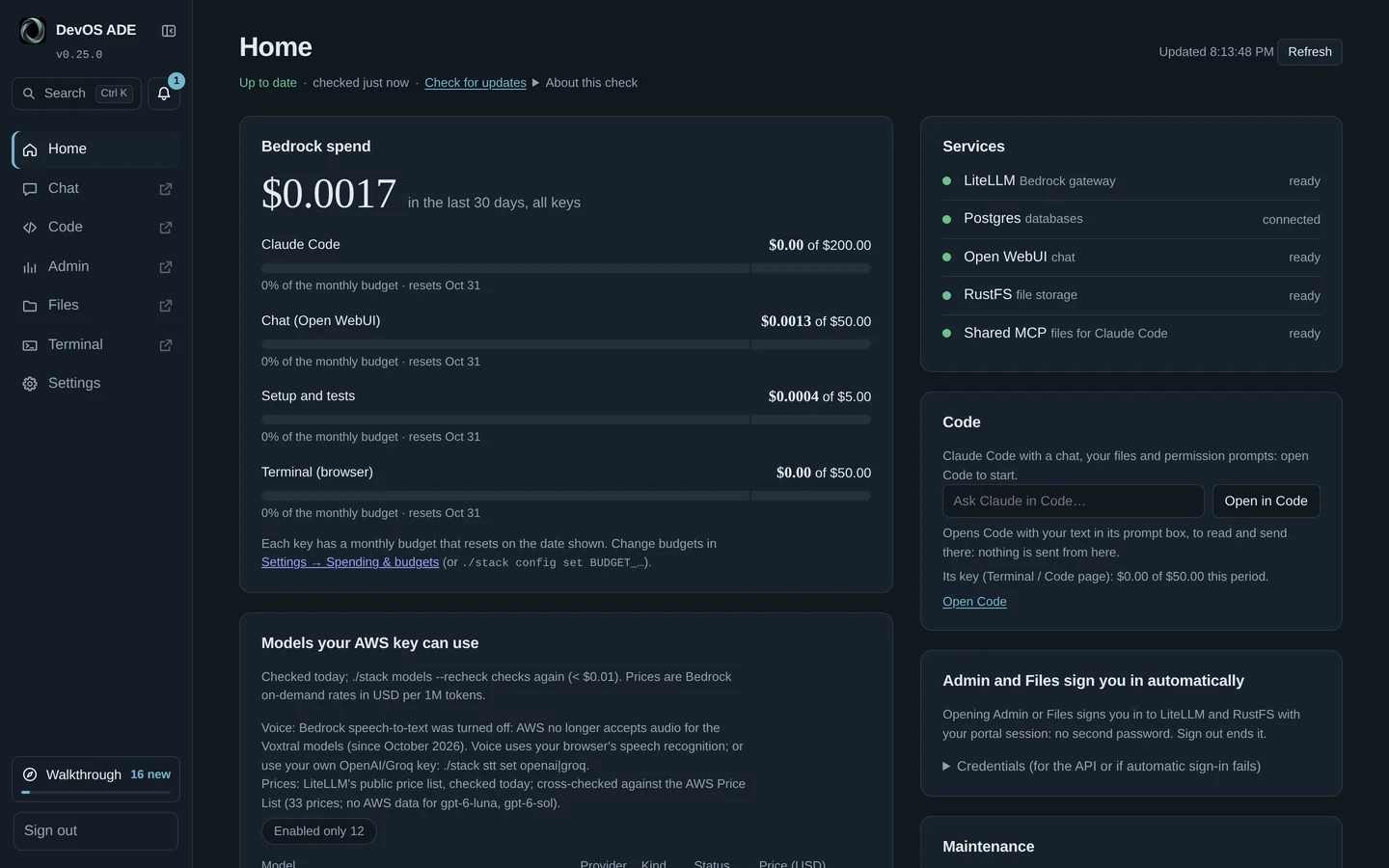
DevOS ADE Home: Bedrock spend with a budget per key, the services all ready, and the Code card. DevOS ADE Home: Bedrock spend with a budget per key, the services all ready, and the Code card.
Home
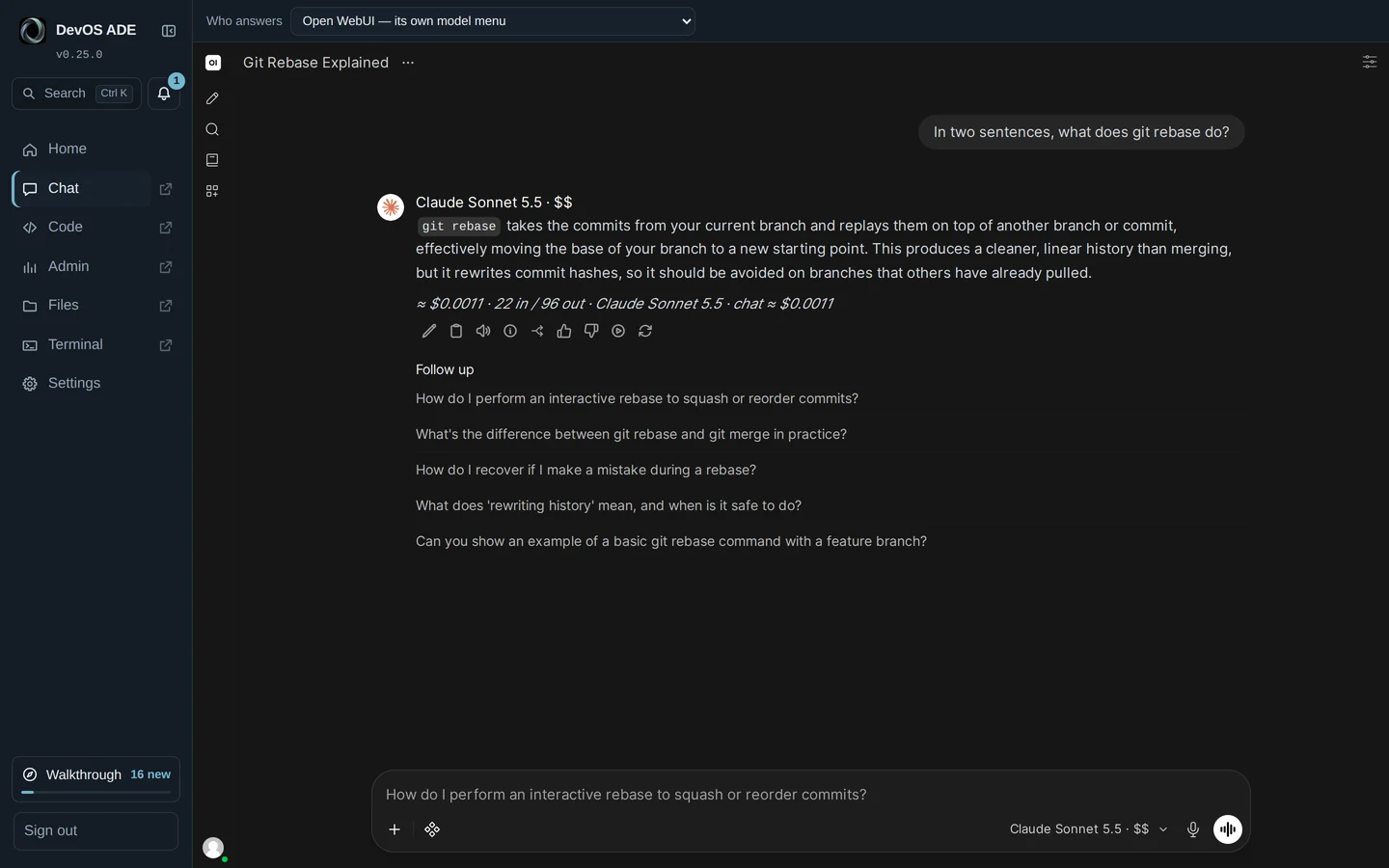
DevOS ADE Chat (Open WebUI): Claude Sonnet 5.5 explains git rebase in two sentences, with the answer’s cost and follow-up questions. DevOS ADE Chat (Open WebUI): Claude Sonnet 5.5 explains git rebase in two sentences, with the answer’s cost and follow-up questions.
Chat
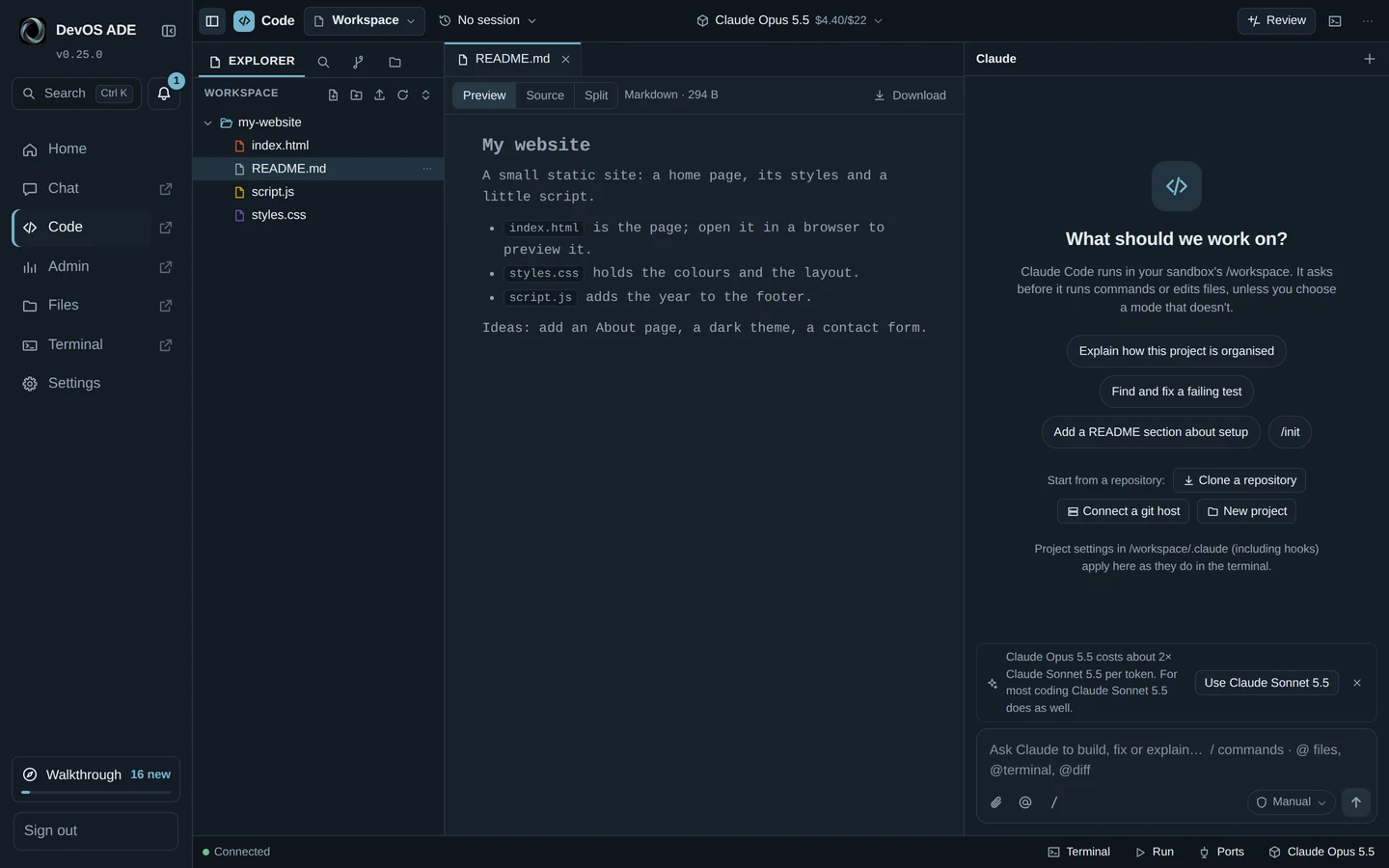
The DevOS ADE Code page: a sample website project in the explorer, its README previewed, and Claude Code’s chat ready to start. The DevOS ADE Code page: a sample website project in the explorer, its README previewed, and Claude Code’s chat ready to start.
Code
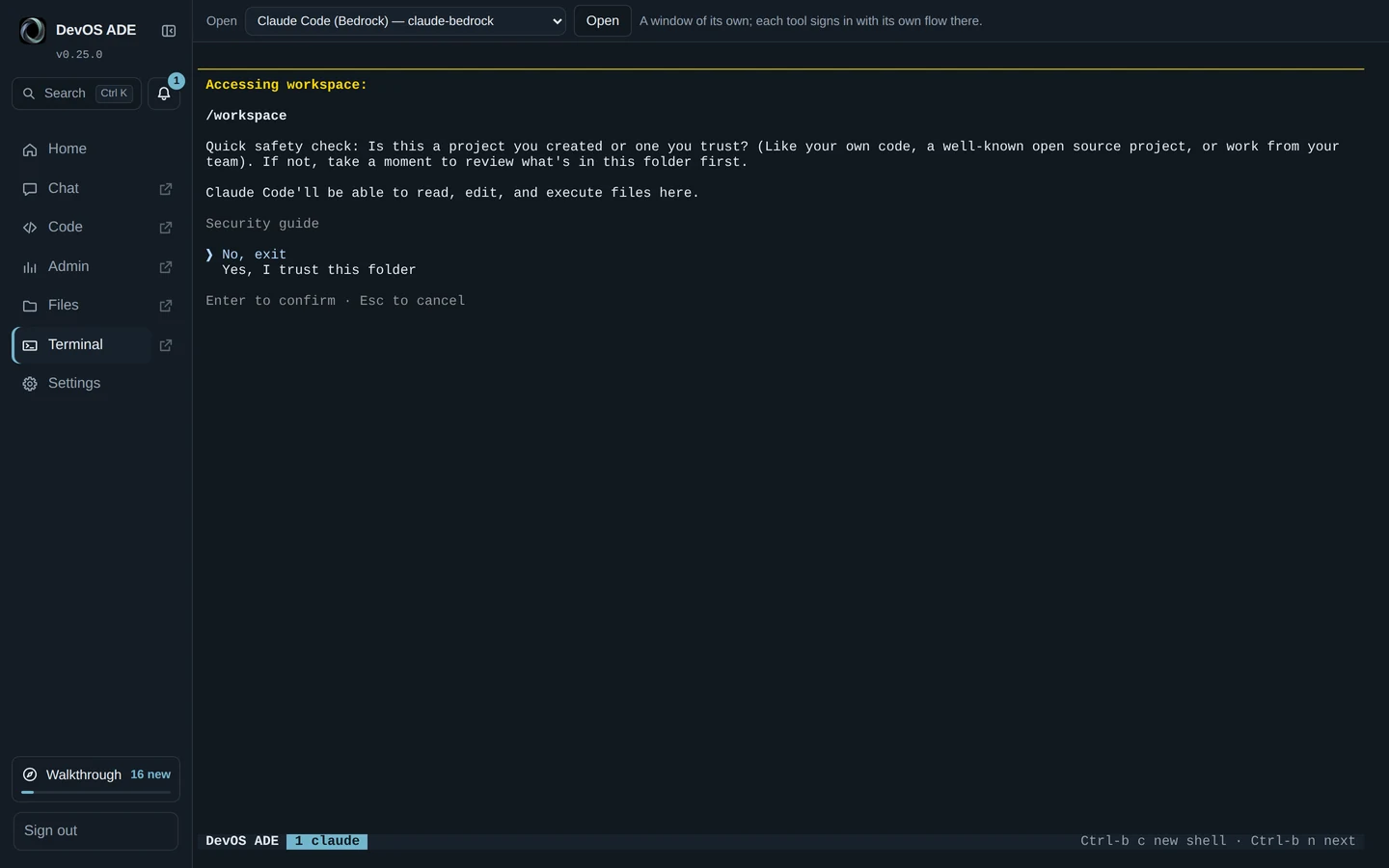
The sandboxed browser terminal in DevOS ADE: Claude Code asks whether to trust the /workspace folder. The sandboxed browser terminal in DevOS ADE: Claude Code asks whether to trust the /workspace folder.
Sandboxed terminal
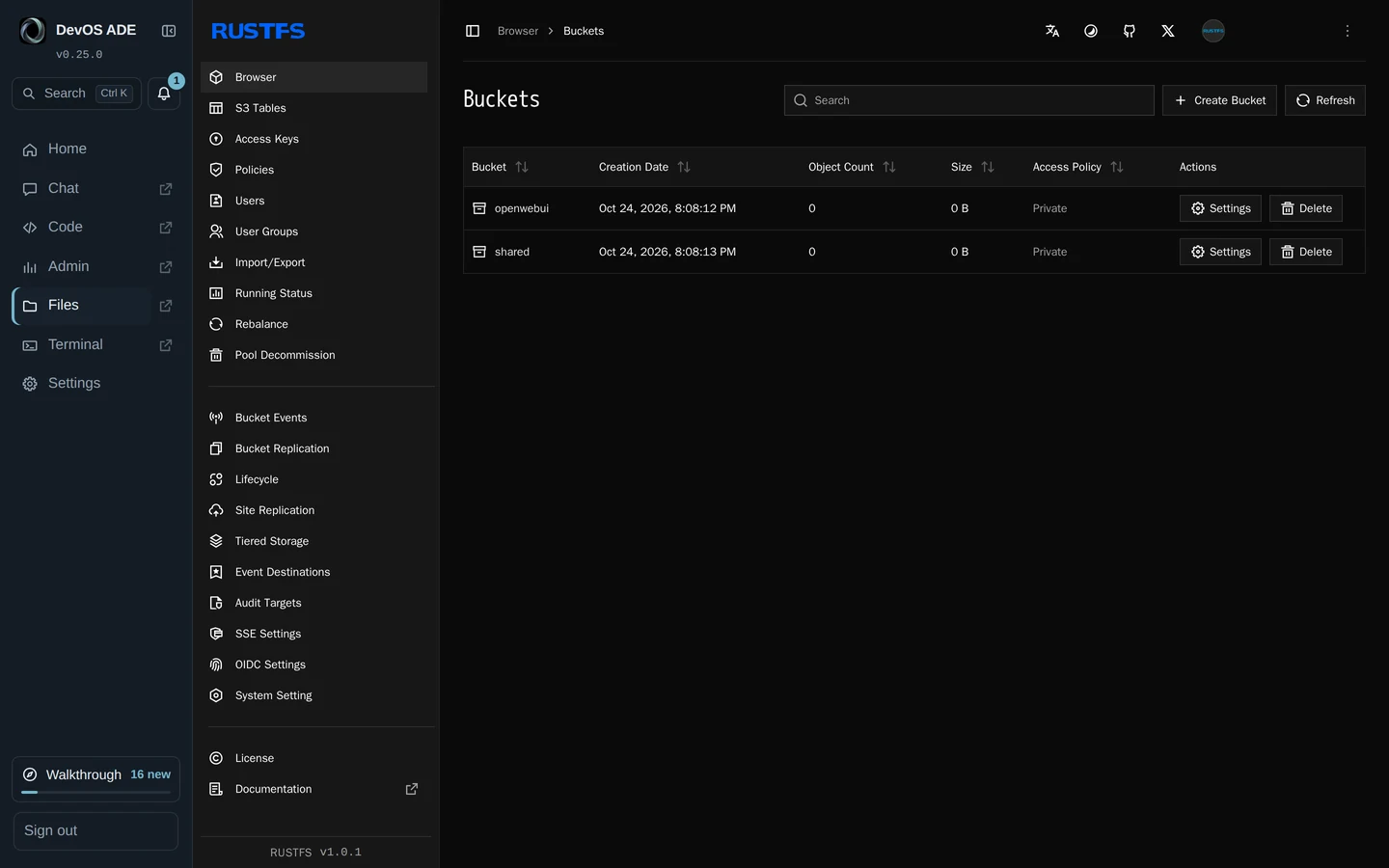
DevOS ADE Files: the RustFS console listing the stack’s two private buckets. DevOS ADE Files: the RustFS console listing the stack’s two private buckets.
Files
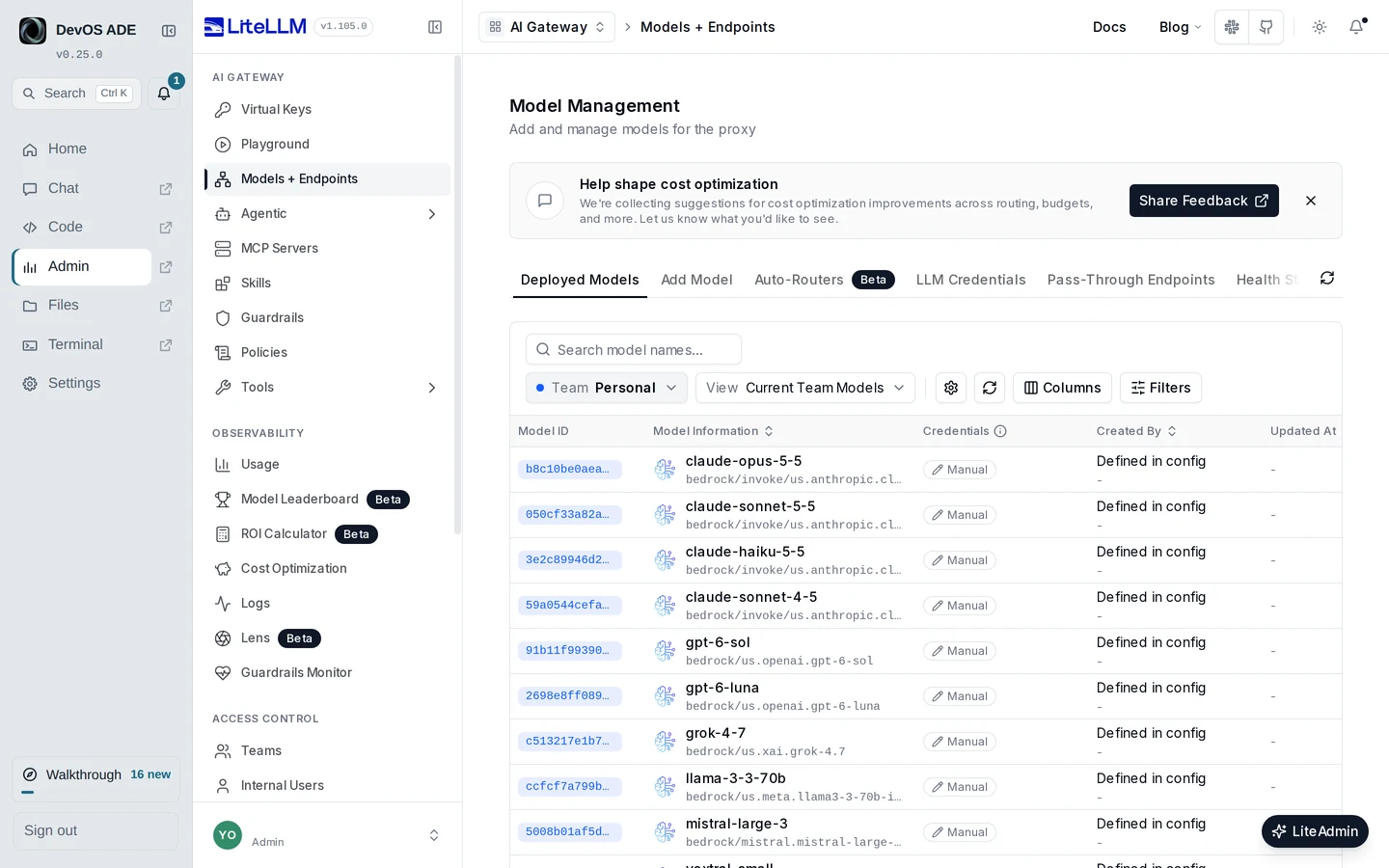
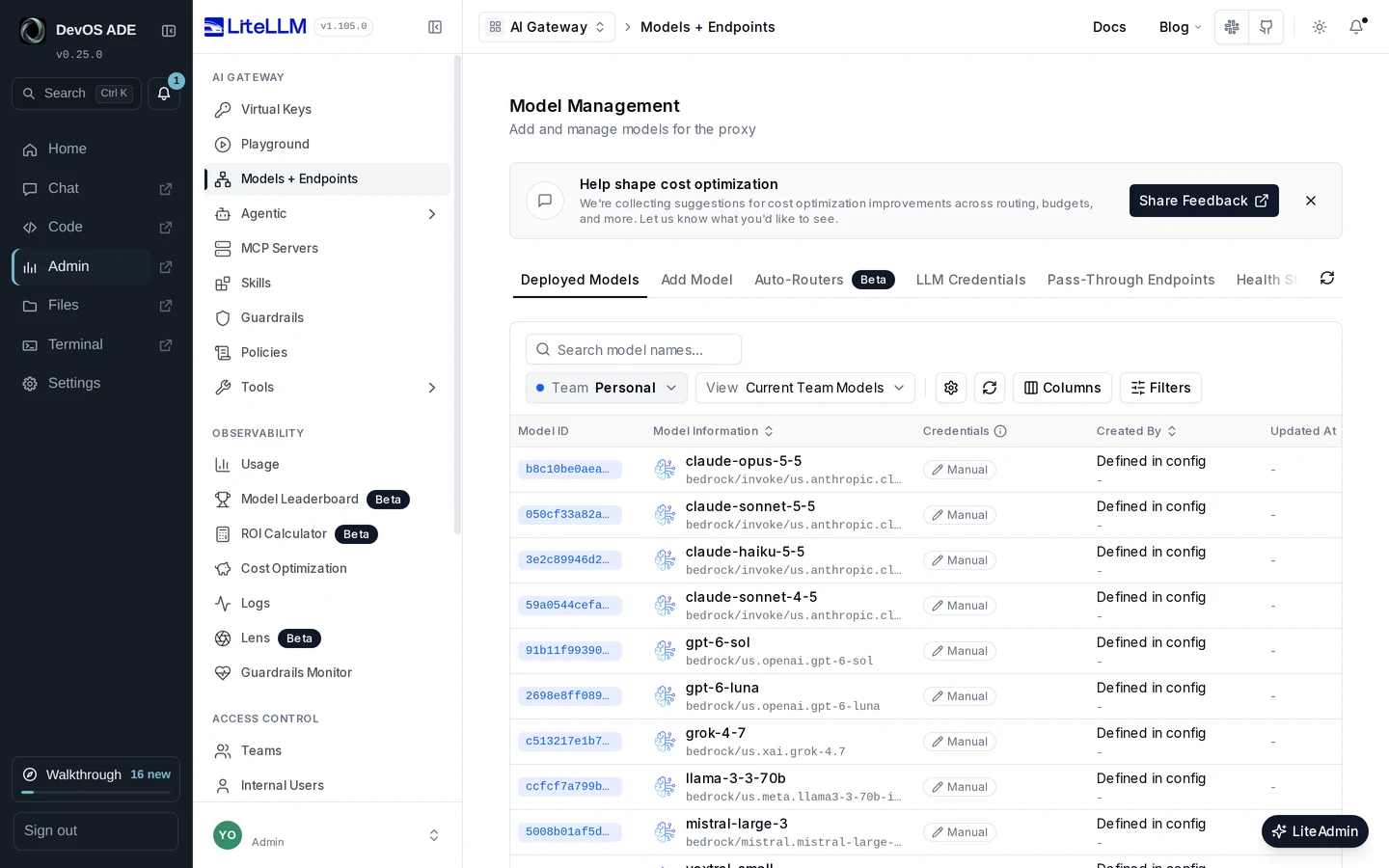
DevOS ADE Admin: LiteLLM’s Models and Endpoints page listing the Bedrock models the gateway serves. DevOS ADE Admin: LiteLLM’s Models and Endpoints page listing the Bedrock models the gateway serves.
Admin
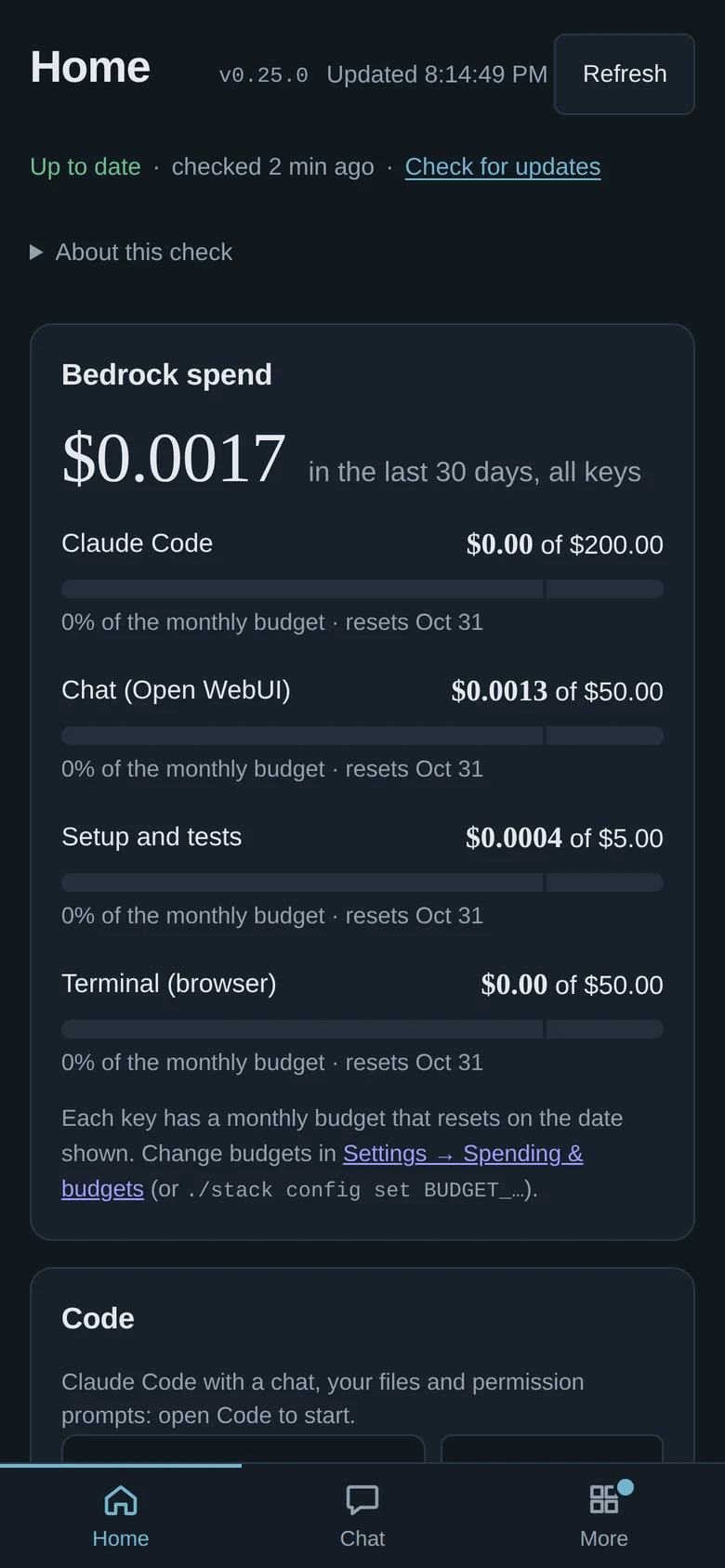
DevOS ADE Home on a phone in dark mode: v0.25.0, up to date, and Bedrock spend per key, with the bottom tab bar.
Home on a phone